Search



WORLDWIDE SHIPPING
fast, flexible, secure options

ONLINE SUPPORT 24 / 7
anytime, anywhere help

MONEY BACK GUARANTEE
shop with confidence

WIDE SELECTION
every day low prices
Electronics
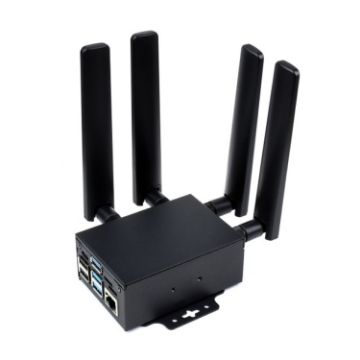
Waveshare SIM8262E-M2/SIM8202G-M2 5G HAT for Raspberry Pi
- Based on Qualcomm platform, support 5G NSA and SA networking, support multi-mode & multi-band
- Multi-constellation dual-band positioning: GPS, Beidou, Glonass, Galileo, and QZSS
- Operating system support: Windows/Linux/Android
- USB 3.1 port (USB 2.0 compatible) for connecting to PC, Raspberry Pi, or Jetson Nano host board to enable high speed 5G communication
- Standard M.2 B KEY slot, compatible with different 5G modules: SIM8202X-M2 / SIM8200EA-M2 / SIM8262X-M2 series
- Onboard UART, PWR, and RST control pin, built-in voltage level translator, enabled via DIP switch, for use with hosts like Raspberry Pi or Arduino
- Onboard USB-C connector, enabled via switch, for connecting standalone power supply for the module, allows more loads, stable amd flexible power supply
- Onboard power supply on/off switch, reset button and LED indicator, easy to turn on/off the module or monitor the operating status
£230.59 £274.41
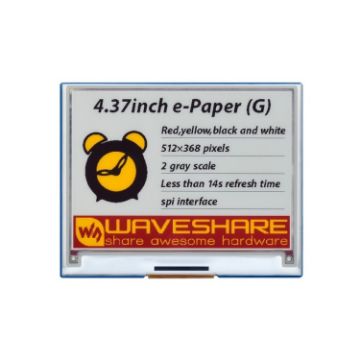
Waveshare 4.37 inch 512368 E-Paper Module
- Rated power: 3.3V/5V
- Interface: 3-wire SPI, 4-wire SPI
- Full refresh time: 341
- Refresh power: about 61.7mW
- Dot pitch: 0.176 0.176mm
- Standby current: about 0.01uA
- Without backlight, the last content can be displayed for a long time even if the power is cut off.
- Ultra-low power consumption, basically only need to refresh.
£27.04 £31.37
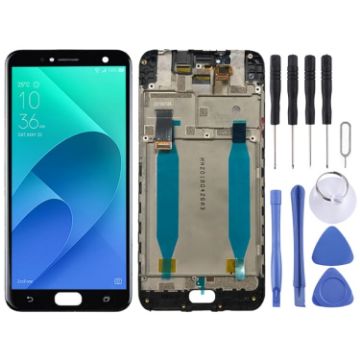
OEM LCD Screen for Asus Zenfone 4 Selfie ZD553KL X00LD Digitizer Full Assembly with FrameBlack)
- Replacement LCD screen + touch screen digitizer assembly with frame for Asus Zenfone 4 Selfie ZD553KL X00LD
- Replace your broken or unusable item with a new one
- Make your device look more refreshing than ever
- Completely fit and work
- Each item has been checked and in good condition before shipping
- Professional installation is highly recommended. We will not be responsible once the screen is installed
- Before Installation Notes
- Tips 1: Test before installation
£14.49 £17.53
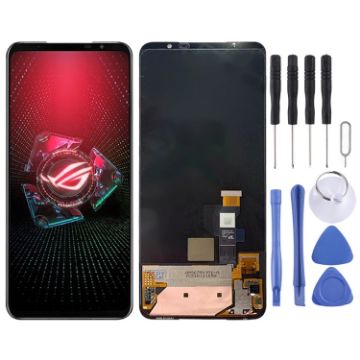
Original LCD Screen for Asus ROG Phone 5 ZS673KS I005DA with Digitizer Full Assembly (Black)
- Replacement LCD screen + touch screen digitizer assembly for Asus ROG Phone 5 ZS673KS I005DA
- Replace your broken or unusable item with a new one
- Make your device look more refreshing than ever
- Completely fit and work
- Each item has been checked and in good condition before shipping
- Professional installation is highly recommended. We will not be responsible once the screen is installed
- Before Installation Notes
- Tips 1: Test before installation
£41.69 £50.44
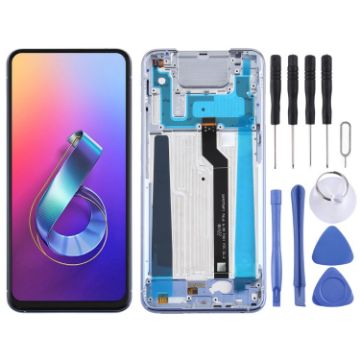
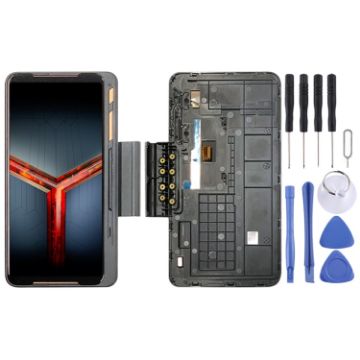
Game Expansion Original LCD Screen for Asus ROG Phone II ZS660KL with Digitizer Full Assembly (Black)
- Replacement game expansion LCD screen + touch screen digitizer assembly with frame for Asus ROG Phone II ZS660KL
- Replace your broken or unusable item with a new one
- Make your device look more refreshing than ever
- Completely fit and work
- Each item has been checked and in good condition before shipping
- Professional installation is highly recommended. We will not be responsible once the screen is installed
- Before Installation Notes
- Tips 1: Test before installation
£47.80 £55.93
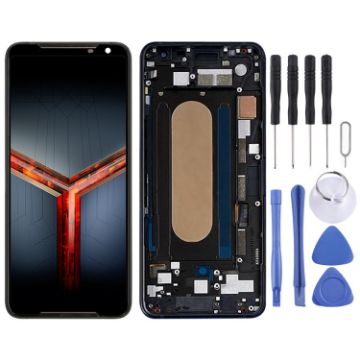
Original LCD Screen for Asus ROG Phone II ZS660KL Digitizer Full Assembly with FrameBlack)
- Before Installation Notes
- Tips 1: Test before installation
- When testing, do not remove any protective film or tags. Please pay attention to the problem of static electricity.
- Before attempting any repair, be sure to ground yourself is an ESD (electro static discharge) strap. This will prevent static electricity from damaging the electronic components within the phone.
- Ensure you wear eye protection and use caution not to cut your finger with the glass splinters.
- Tips 2: Simulates testing
- Screen replacement is very fragile product. We strongly suggest test before installation. Please simulates testing, which means mobile phone apart, (motherboard + LCD or screen) connected audio cable and new replacement, power on, test finished. If test OK, please install it. If it can not show, please contact us at the very first time. And please do not force it to be installed in mobile phone. We will not be responsible once the screen is installed.
- Tips 3: Do not over-bend cable
£52.14 £64.66
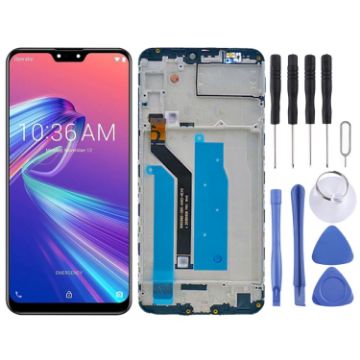
OEM LCD Screen for Asus Zenfone Max Pro M2 ZB631KL X01BDA Digitizer Full Assembly with FrameBlack)
- Replacement LCD screen + touch screen digitizer assembly with frame for Asus Zenfone Max Pro M2 ZB631KL X01BDA
- Replace your broken or unusable item with a new one
- Make your device look more refreshing than ever
- Completely fit and work
- Each item has been checked and in good condition before shipping
- Professional installation is highly recommended. We will not be responsible once the screen is installed
- Before Installation Notes
- Tips 1: Test before installation
£16.57 £20.72
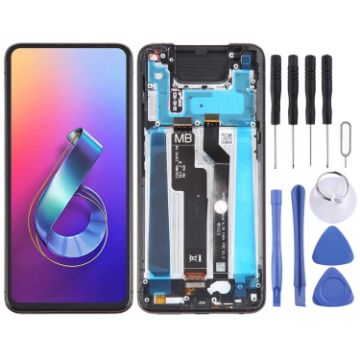
OEM LCD Screen for Asus Zenfone 6 ZS630KL I01WD Digitizer Full Assembly with FrameBlack)
- Replacement LCD screen + touch screen digitizer assembly with frame for Asus Zenfone 6 ZS630KL I01WD
- Replace your broken or unusable item with a new one
- Make your device look more refreshing than ever
- Completely fit and work
- Each item has been checked and in good condition before shipping
- Professional installation is highly recommended. We will not be responsible once the screen is installed
- Before Installation Notes
- Tips 1: Test before installation
£19.43 £23.32
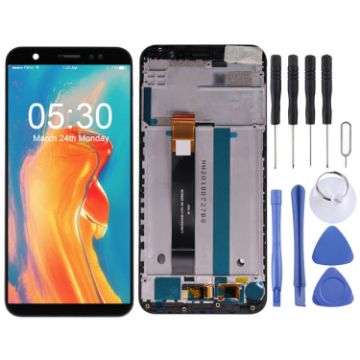
OEM LCD Screen for Asus ZenFone Live (L1) ZA550KL X00RD Digitizer Full Assembly with FrameBlack)
- Before Installation Notes
- Tips 1: Test before installation
- When testing, do not remove any protective film or tags. Please pay attention to the problem of static electricity.
- Before attempting any repair, be sure to ground yourself is an ESD (electro static discharge) strap. This will prevent static electricity from damaging the electronic components within the phone.
- Ensure you wear eye protection and use caution not to cut your finger with the glass splinters.
- Tips 2: Simulates testing
- Screen replacement is very fragile product. We strongly suggest test before installation. Please simulates testing, which means mobile phone apart, (motherboard + LCD or screen) connected audio cable and new replacement, power on, test finished. If test OK, please install it. If it can not show, please contact us at the very first time. And please do not force it to be installed in mobile phone. We will not be responsible once the screen is installed.
- Tips 3: Do not over-bend cable
£12.45 £15.44
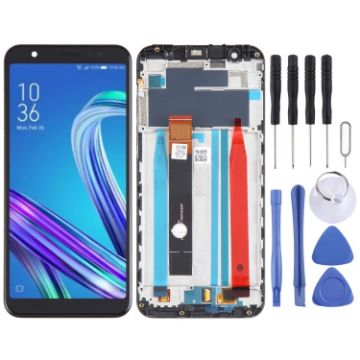
OEM LCD Screen for Asus ZenFone Max M1 ZB555KL X00PD Digitizer Full Assembly with FrameBlack)
- Before Installation Notes
- Tips 1: Test before installation
- When testing, do not remove any protective film or tags. Please pay attention to the problem of static electricity.
- Before attempting any repair, be sure to ground yourself is an ESD (electro static discharge) strap. This will prevent static electricity from damaging the electronic components within the phone.
- Ensure you wear eye protection and use caution not to cut your finger with the glass splinters.
- Tips 2: Simulates testing
- Screen replacement is very fragile product. We strongly suggest test before installation. Please simulates testing, which means mobile phone apart, (motherboard + LCD or screen) connected audio cable and new replacement, power on, test finished. If test OK, please install it. If it can not show, please contact us at the very first time. And please do not force it to be installed in mobile phone. We will not be responsible once the screen is installed.
- Tips 3: Do not over-bend cable
£12.36 £15.32
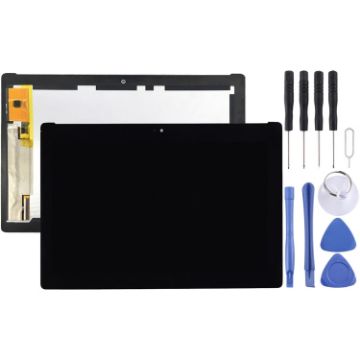
OEM LCD Screen for Asus Zenpad 10 Z300 Z300CL Z300CNL P01T (Yellow Flex Cable Version) with Digitizer Full Assembly (Black)
- Before Installation Notes
- Tips 1: Test before installation
- When testing, do not remove any protective film or tags. Please pay attention to the problem of static electricity.
- Before attempting any repair, be sure to ground yourself is an ESD (electro static discharge) strap. This will prevent static electricity from damaging the electronic components within the phone.
- Ensure you wear eye protection and use caution not to cut your finger with the glass splinters.
- Tips 2: Simulates testing
- Screen replacement is very fragile product. We strongly suggest test before installation. Please simulates testing, which means mobile phone apart, (motherboard + LCD or screen) connected audio cable and new replacement, power on, test finished. If test OK, please install it. If it can not show, please contact us at the very first time. And please do not force it to be installed in mobile phone. We will not be responsible once the screen is installed.
- Tips 3: Do not over-bend cable
£26.63 £30.89

NEED HELP?
Payment options
